menu button
menu button

CAMERA-FREE HOME ACTIVITY MONITORING

A Clearer Reason to Check-in

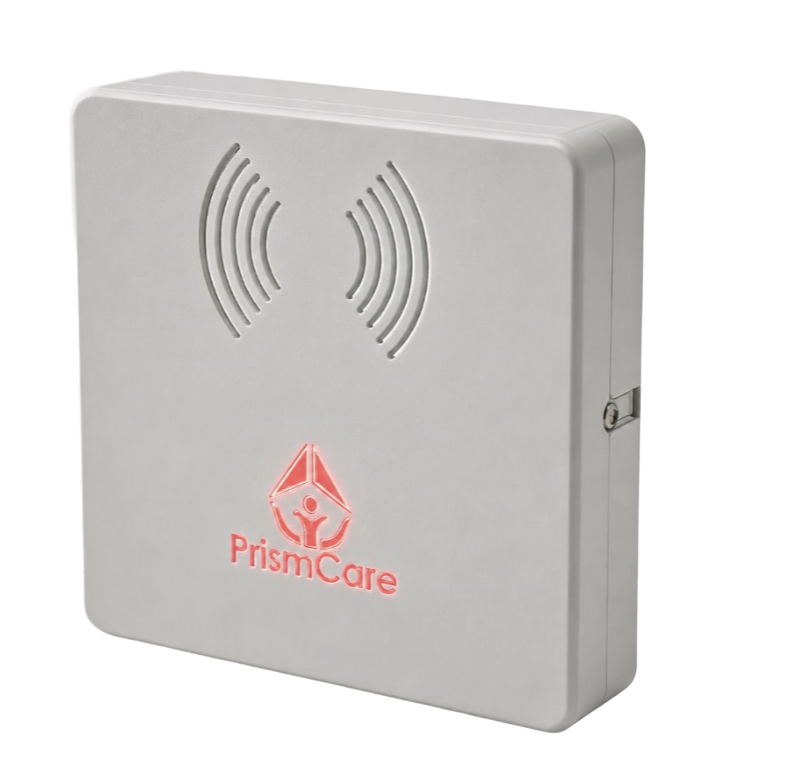
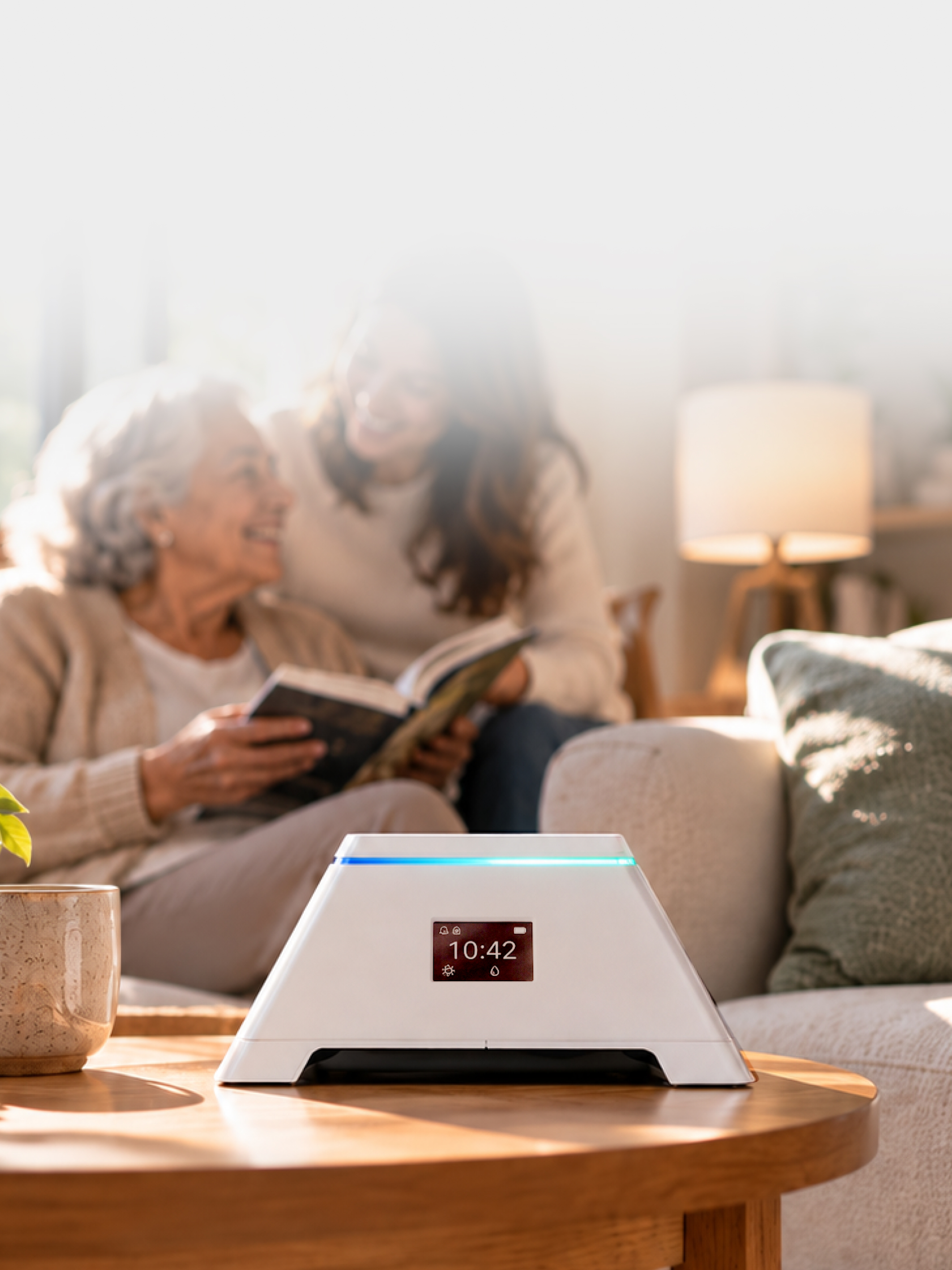
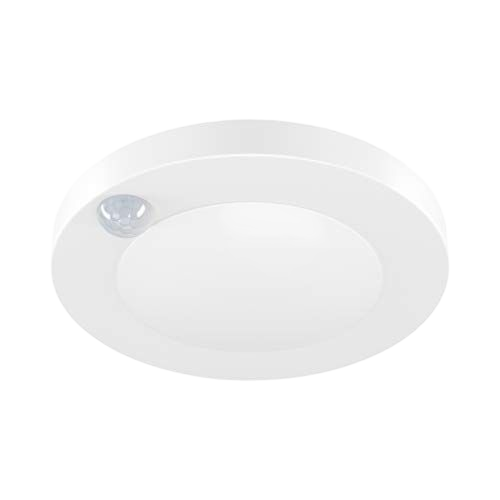
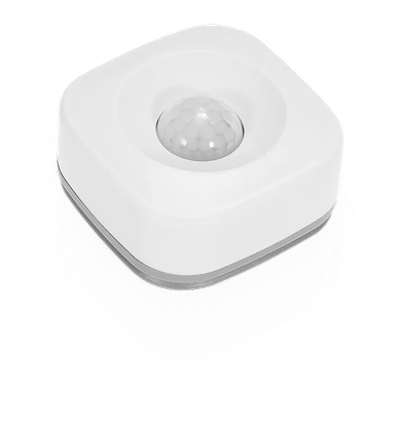
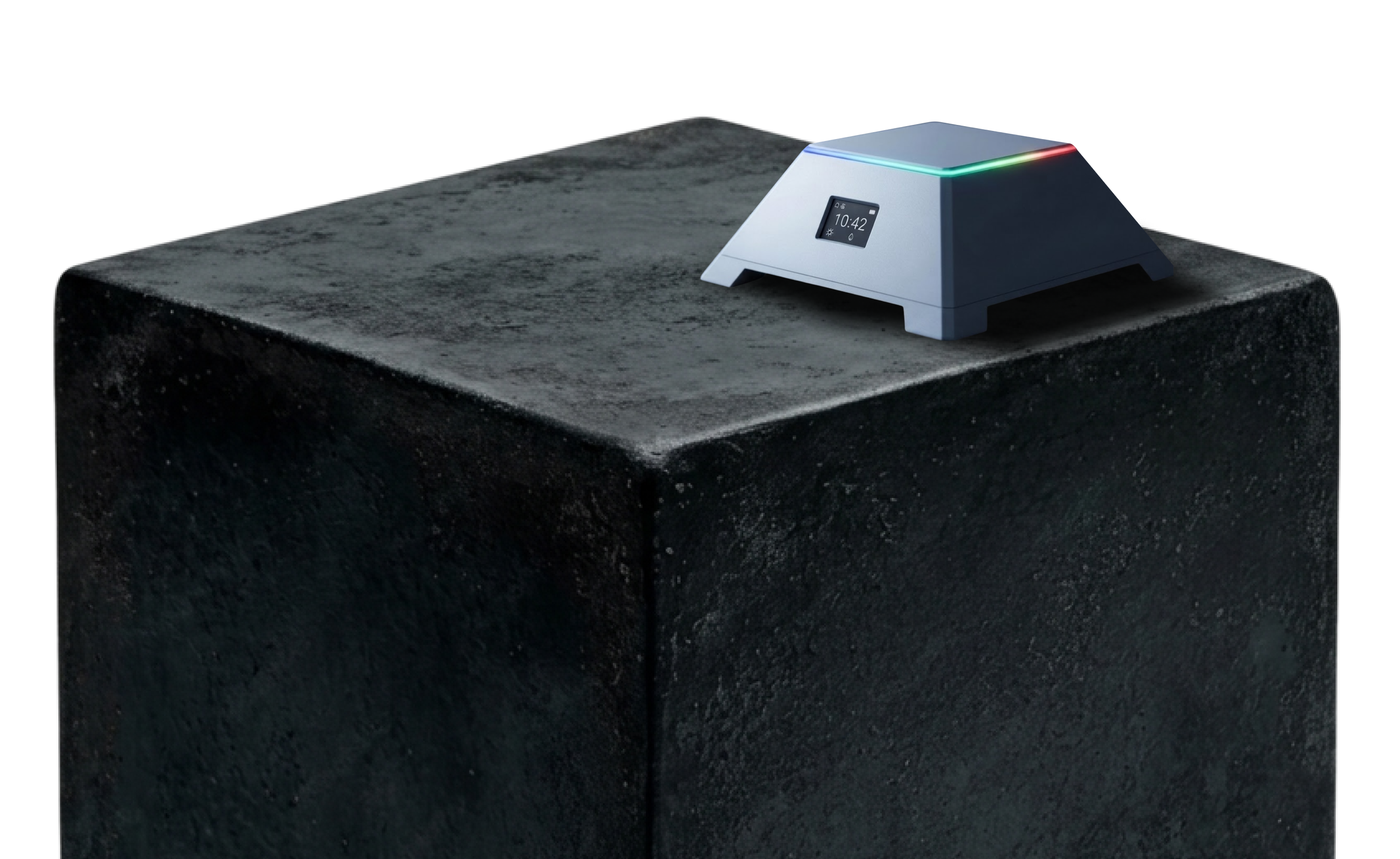
PrismCare connects small room sensors to a quiet Care Hub. Configured activity alerts give families and care teams useful context for check-ins with older adults living alone. No cameras. No wearable required.

No cameras. No wearable required.

bg
bg
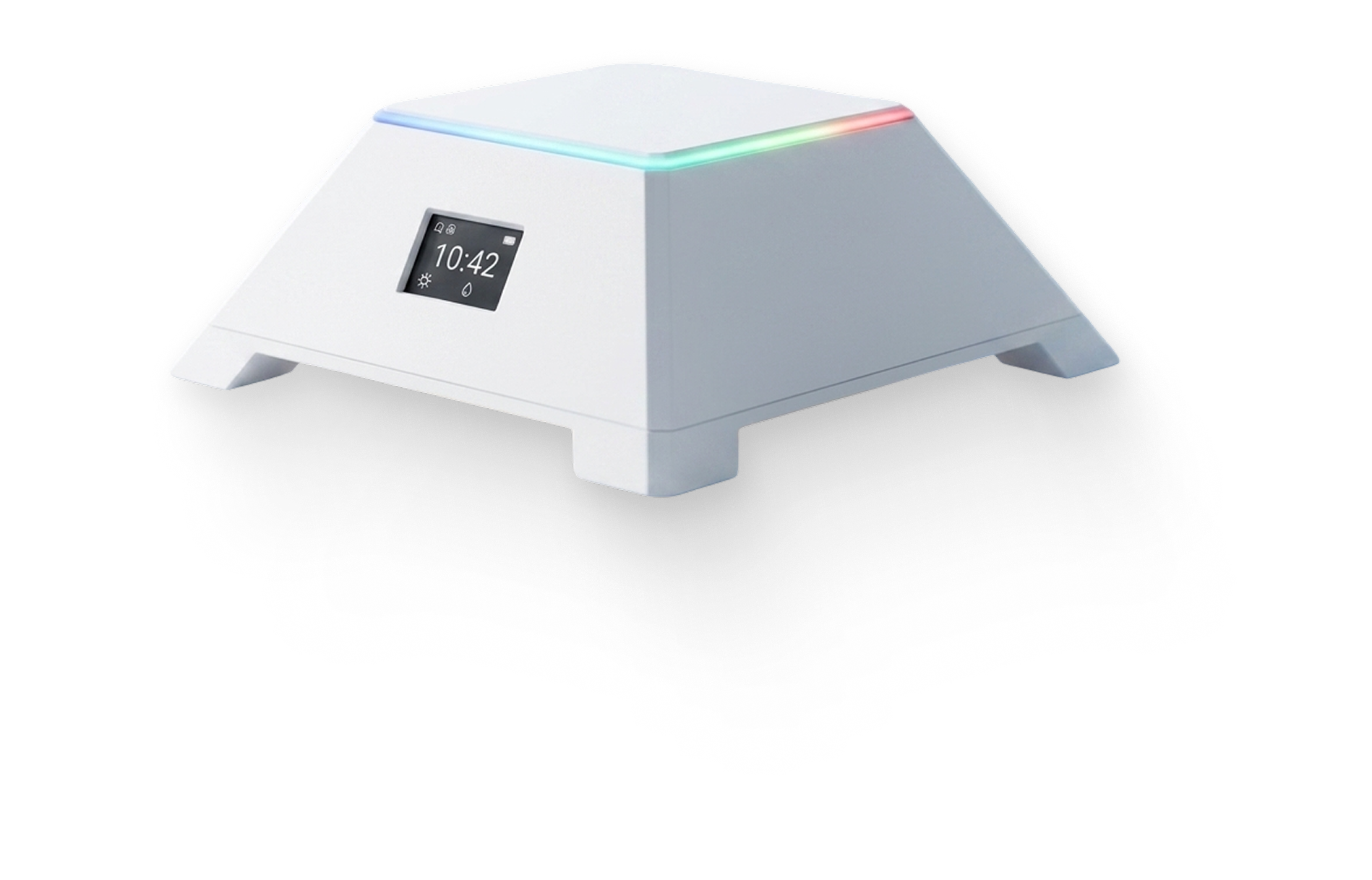
PrismCare Hub
PrismCare Alerts
  • HOW IT WORKS

    A small signal. A more informed check-in.

    PrismCare uses room sensors to identify activity patterns based on settings selected during setup. When an activity rule is triggered, it sends an alert to help someone decide whether to check in.

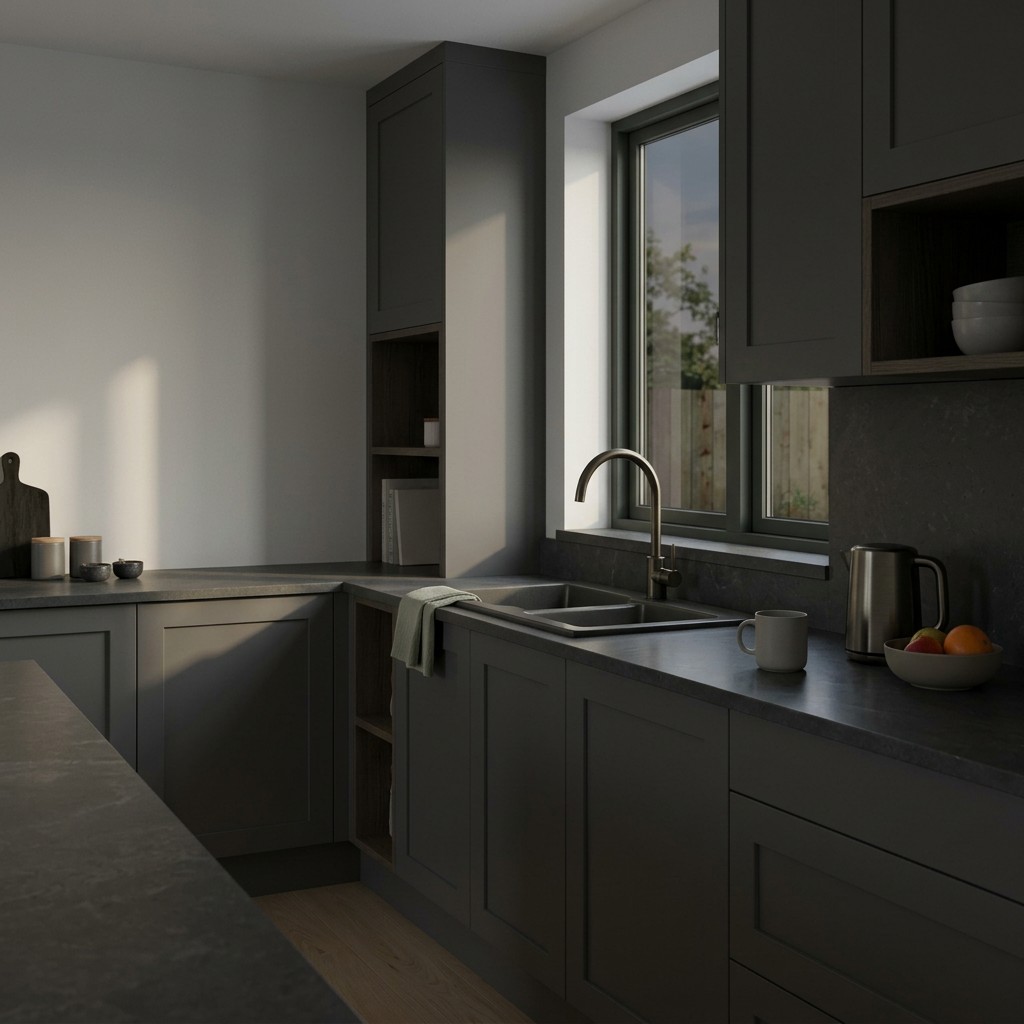
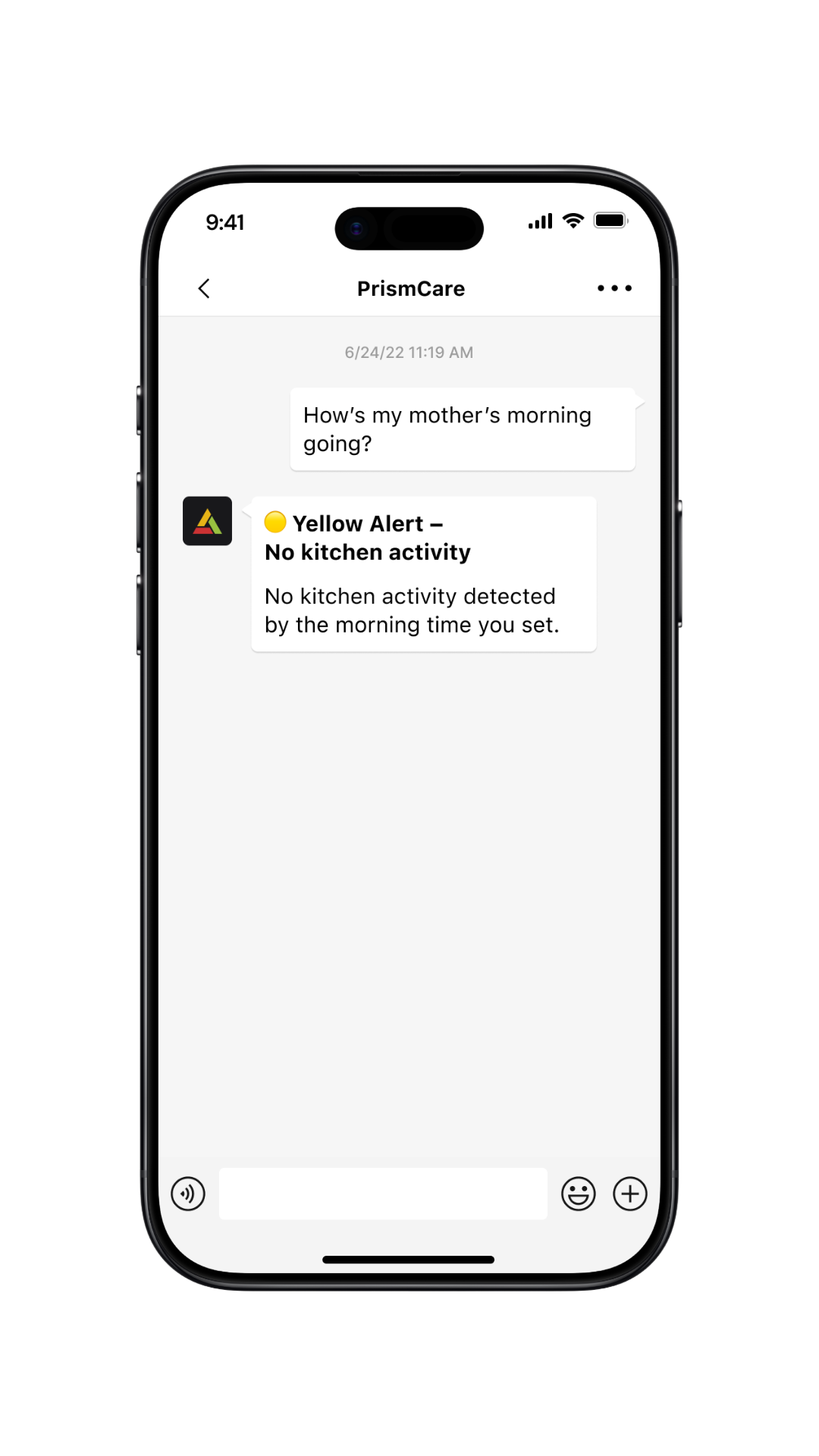
  • Kitchen Activity

    No kitchen activity detected by 10 a.m.

  • WHO WE SUPPORT

    Supporting Families and Care Teams

  • For Families & Older Adults

    Stay connected to loved ones living independently with useful context about everyday activity and changes in routine.

    For Care Organizations

    Explore how home-activity insights could support your team's check-in workflows and care coordination.

Alert System

Nine Categories of Everyday Wellbeing

Three Clear Signals

Three Signals. Clearer Next Steps.

Choose activity rules that matter to you and receive alerts when those rules are triggered. Each signal provides context for deciding what to do next.

UI card displaying energy consumption data on a light fabric background

Kitchen Activity

Get notified when kitchen activity changes

Green alert

Let me know when the kitchen is used around the usual time

Duration of kitchen visit

30

min

logo

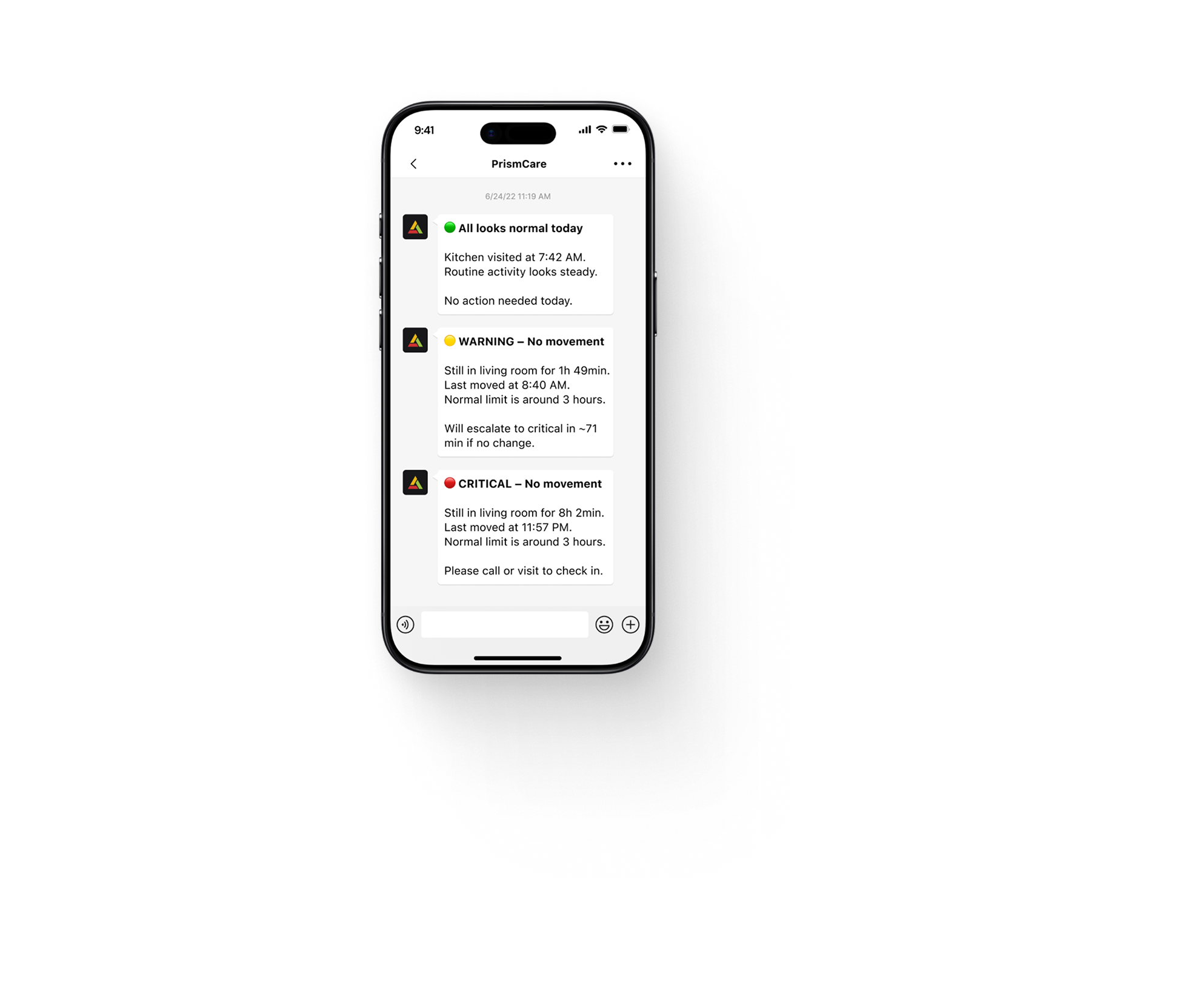
🟢 All looks normal today

​

Kitchen visited at 7:42 AM. Routine activity looks steady.

​

No action needed today.

container

Kitchen Activity

On time

Visited 7:52 AM

28min duration

GREEN

Routine Context

No selected alert rule was triggered in the activity received.

UI card displaying energy consumption data on a light fabric background

Living Room Activity

Keep track of everyday activity patterns in living room

Yellow alert

Let me know if the room stays quiet longer than expected

Duration of inactivity

70

min

Repetition of inactive behavior for

5

days

logo

🟡 WARNING – No movement

​

Still in living room for 1h 49min.

Last moved at 8:40 AM.

Normal limit is around 3 hours.

​

Will escalate to critical in ~71 min if no change.

container

Living Room Activity

1h 45min

Longer than usual

YELLOW

Worth a Check-In

A configured activity rule flags something worth understanding.

UI card displaying energy consumption data on a light fabric background

Bathroom Visits

Stay aware of changes in bathroom habits throughout the day

Red alert

Send me an urgent alert if bathroom visits increase a lot or last much longer than usual

Number of bathroom visits

20

visits

Duration of each bathroom visit

30

min

logo

🔴 CRITICAL – Significant increase in bathroom visits


21 bathroom visits today.

Much higher than expected.


Worth checking in, they may not be feeling their best.

container

Bathroom Visits

21 Visits today

Much more than usual

Avg duration 12min

RED

It's time to act

An urgent configured rule has been triggered. Follow the appropriate response plan.

Coming Soon

Built with Today in Mind. Designed for What's Next.

bg

Automatic Routine Learning

Future capabilities are being explored to help identify individual activity patterns and meaningful changes over time.

bg
Fall detection sensor

Fall Detection

Add private, fall detection to the PrismCare without requiring a wearable, button press, or camera.

bg
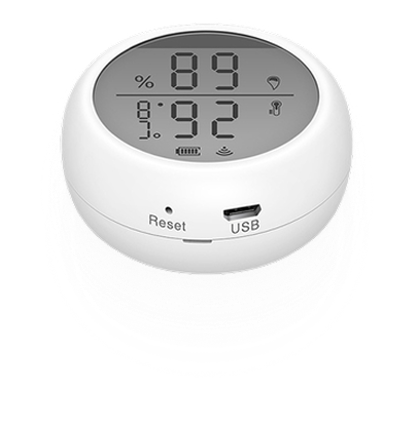
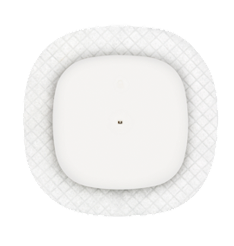
sensor
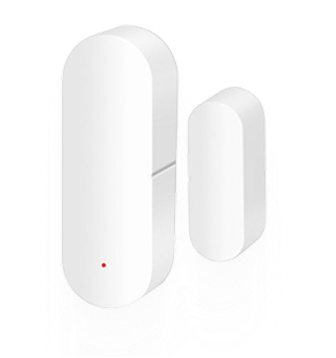
sensor
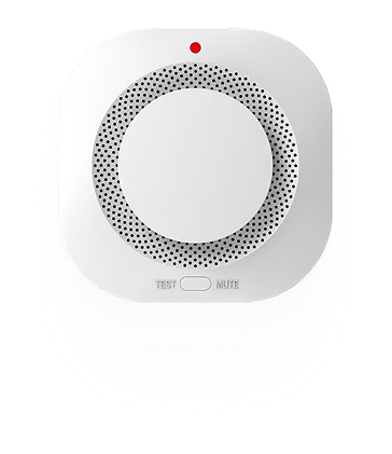
sensor
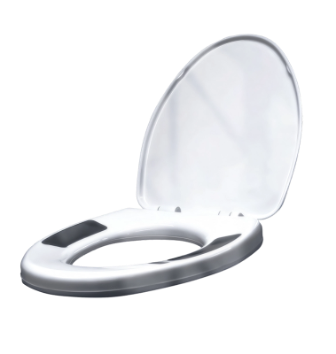
sensor

Smart Home Integration

Connect compatible smart home devices to add useful context around everyday routines.

health devices
health devices
health devices
health devices

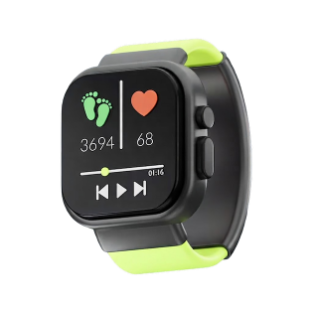
Wearable & Health

Device Integration

Combine health signals and vitals with everyday activity patterns to get a complete picture.

DemonDemonstrations

arrow

See PrismCare in Action

arrow

Overview

Between the Check-In

The Yellow Alert

Third Party Sensor Integration

Wearable & Health Device Integration

PRIVACY & CHOICE

Designed to Respect the Home

PrismCare uses room-activity sensors rather than cameras. Because activity information can reveal everyday routines, families and older adults should understand what is collected, what is shared, and who receives it before deciding to use the system.

What is Shared

A simple update on the phone: green when no unusual change is detected, yellow when something changed.

Alerts Icon

Who Receives it

Who can see updates, and how access is granted, as set out in the Privacy Notice.

​

background

A Little More Context Can Make a Meaningful Difference

Discover how PrismCare helps families and care teams stay informed about everyday activity at home.

PrismCare is a home activity monitoring system for families of older adults who live alone. It is still in development, and all images on this page are concept images.

Contact Us

Cookie Policy

Privacy Notice

© 2026 PrismCare. All rights reserved

PrismCare

Contact Us

CAMERA-FREE HOME ACTIVITY MONITORING

A Clearer Reason to Check-in

PrismCare connects small room sensors to a quiet Care Hub. Configured activity alerts give families and care teams useful context for check-ins with older adults living alone. No cameras. No wearable required.

No cameras. No wearable required.

bg
bg
PrismCare Hub
PrismCare Alerts
  • HOW IT WORKS

    A small signal. A more informed check-in.

    PrismCare uses room sensors to identify activity patterns based on settings selected during setup. When an activity rule is triggered, it sends an alert to help someone decide whether to check in.

  • Kitchen Activity

    No kitchen activity detected by 10 a.m.

  • WHO WE SUPPORT

    Supporting Families and Care Teams

  • For Families & Older Adults

    Stay connected to loved ones living independently with useful context about everyday activity and changes in routine.

    For Care Organizations

    Explore how home-activity insights could support your team's check-in workflows and care coordination.

Alert System

Nine Categories of Everyday Wellbeing

Three Clear Signals

Three Signals. Clearer Next Steps.

Choose activity rules that matter to you and receive alerts when those rules are triggered. Each signal provides context for deciding what to do next.

UI card displaying energy consumption data on a light fabric background

Kitchen Activity

Get notified when kitchen activity changes

Green alert

Let me know when the kitchen is used around the usual time

Duration of kitchen visit

30

min

message logo

🟢 All looks normal today

​

Kitchen visited at 7:42 AM. Routine activity looks steady.

​

No action needed today.

container

Kitchen Activity

On time

Visited 7:52 AM

28min duration

GREEN

Routine Context

No selected alert rule was triggered in the activity received.

UI card displaying energy consumption data on a light fabric background

Living Room Activity

Keep track of everyday activity patterns in living room

Yellow alert

Let me know if the room stays quiet longer than expected

Duration of inactivity

70

min

Repetition of inactive behavior for

5

days

logo

🟡 WARNING – No movement

​

Still in living room for 1h 49min.

Last moved at 8:40 AM.

Normal limit is around 3 hours.

​

Will escalate to critical in ~71 min if no change.

container

Living Room Activity

1h 45min

Longer than usual

YELLOW

Worth a Check-In

A configured activity rule flags something worth understanding.

UI card displaying energy consumption data on a light fabric background

Bathroom Visits

Stay aware of changes in bathroom habits throughout the day

Red alert

Send me an urgent alert if bathroom visits increase a lot or last much longer than usual

Number of bathroom visits

20

visits

Duration of each bathroom visit

30

min

logo

🔴 CRITICAL – Significant increase in bathroom visits


21 bathroom visits today.

Much higher than expected.


Worth checking in, they may not be feeling their best.

container

Bathroom Visits

21 Visits today

Much more than usual

Avg duration 12min

RED

Prompt Attention

An urgent configured rule has been triggered. Follow the appropriate response plan.

Coming Soon

Built with Today in Mind. Designed for What's Next.

bg

Automatic Routine Learning

Future capabilities are being explored to help identify individual activity patterns and meaningful changes over time.

bg
Fall detection sensor

Fall Detection

Add private, fall detection to the PrismCare without requiring a wearable, button press, or camera.

bg
sensor
sensor
sensor
sensor

Smart Home Integration

Connect compatible smart home devices to add useful context around everyday routines.

health devices
health devices
health devices
health devices

Wearable & Health

Device Integration

Combine health signals and vitals with everyday activity patterns to get a complete picture.

DemonDemonstrations

arrow right

See PrismCare in Action

arrow right

Overview

Between the Check-In

The Yellow Alert

Third Party Sensor Integration

Wearable & Health Device Integration

PRIVACY & CHOICE

Designed to Respect the Home

PrismCare uses room-activity sensors rather than cameras. Because activity information can reveal everyday routines, families and older adults should understand what is collected, what is shared, and who receives it before deciding to use the system.

What is Shared

A simple update on the phone: green when no unusual change is detected, yellow when something changed.

Alerts Icon

Who Receives it

Who can see updates, and how access is granted, as set out in the Privacy Notice.

​

background

A Little More Context Can Make a Meaningful Difference

Discover how PrismCare helps families and care teams stay informed about everyday activity at home.

PrismCare is a home activity monitoring system for families of older adults who live alone. It is still in development, and all images on this page are concept images.

Contact Us

Cookie Policy

Privacy Notice

PrismCare

Contact Us

CAMERA-FREE HOME ACTIVITY MONITORING

A Clearer Reason to Check-in

PrismCare connects small room sensors to a quiet Care Hub. Configured activity alerts give families and care teams useful context for check-ins with older adults living alone. No cameras. No wearable required.

No cameras. No wearable required.

bg
bg
PrismCare Hub
PrismCare Alerts
  • WHO WE SUPPORT

    Supporting Families and Care Teams

  • For Families & Older Adults

    Stay connected to loved ones living independently with useful context about everyday activity and changes in routine.

    For Care Organizations

    Explore how home-activity insights could support your team's check-in workflows and care coordination.

Alert System

Nine Categories of Everyday Wellbeing

CONFIGURABLE ACTIVITY ALERTS

Three Signals. Clearer Next Steps.

Choose activity rules that matter to you and receive alerts when those rules are triggered. Each signal provides context for deciding what to do next.

GREEN

Routine Context

No selected alert rule was triggered in the activity received.

UI card displaying energy consumption data on a light fabric background

YELLOW

Worth a Check-In

A configured activity rule flags something worth understanding.

RED

Prompt Attention

An urgent configured rule has been triggered. Follow the appropriate response plan.

UI card displaying energy consumption data on a light fabric background

PRODUCT DEVELOPMENT

Built with Today in Mind. Designed for What's Next.

bg

Automatic Routine Learning

Future capabilities are being explored to help identify individual activity patterns and meaningful changes over time.

bg
Fall detection sensor

Fall Detection

Add private, fall detection to the PrismCare without requiring a wearable, button press, or camera.

bg
sensor
sensor
sensor
sensor

Smart Home Integration

Connect compatible smart home devices to add useful context around everyday routines.

health devices
health devices
health devices
health devices

Wearable & Health

Device Integration

Combine health signals and vitals with everyday activity patterns to get a complete picture.

DemonDemonstrations

arrow right

See PrismCare in Action

arrow right

Overview

Between the Check-In

The Yellow Alert

Third Party Sensor Integration

Wearable & Health Device Integration

PRIVACY & CHOICE

Designed to Respect the Home

PrismCare uses room-activity sensors rather than cameras. Because activity information can reveal everyday routines, families and older adults should understand what is collected, what is shared, and who receives it before deciding to use the system.

What is Shared

A simple update on the phone: green when no unusual change is detected, yellow when something changed.

Alerts Icon

Who Receives it

Who can see updates, and how access is granted, as set out in the Privacy Notice.

​

background

A Little More Context Can Make a Meaningful Difference

Discover how PrismCare helps families and care teams stay informed about everyday activity at home.